Charging screen personalization

Turn charging into a live visual experience.

Choose animated charging screens, preview styles before applying them, keep battery details visible, and stay informed with a full-charge alarm — all in one sleek charging companion.

Charging animationsBattery detailsPreview modeFull-charge alarm
10:30Mon, Jul 20
78%Charging
⚡
Battery temp32°C
Charge statusFast charge
Current time10:30 AM
Current date20 Jul 2026
Animation overlay

Show charging visuals as an overlay while the device is unlocked.

Preview before apply

Browse, preview, and choose the animation style that fits your mood.

Full-charge reminder

Get alerted when your battery reaches 100% with a custom ringtone.

Key features

Visual charging, useful details, and simple control.

The art direction combines neon energy, futuristic utility, and product-story motion to match the app’s charging animation focus while staying clean, readable, and conversion-friendly.

Charging animations

Choose a charging screen that feels alive.

Browse available charging animation assets, select a preferred style, and personalize the screen that appears when your device connects to power.

  • Animated charging display while your device is charging
  • Overlay-style charging visuals while the device is unlocked
  • Lock-screen-style charging activity on supported devices
  • Option to turn on the screen when the charging activity appears
Battery details

Keep the essentials visible.

Show helpful battery information while the animation is displayed, including percentage, temperature, current time, and date.

Preview mode

See it before you use it.

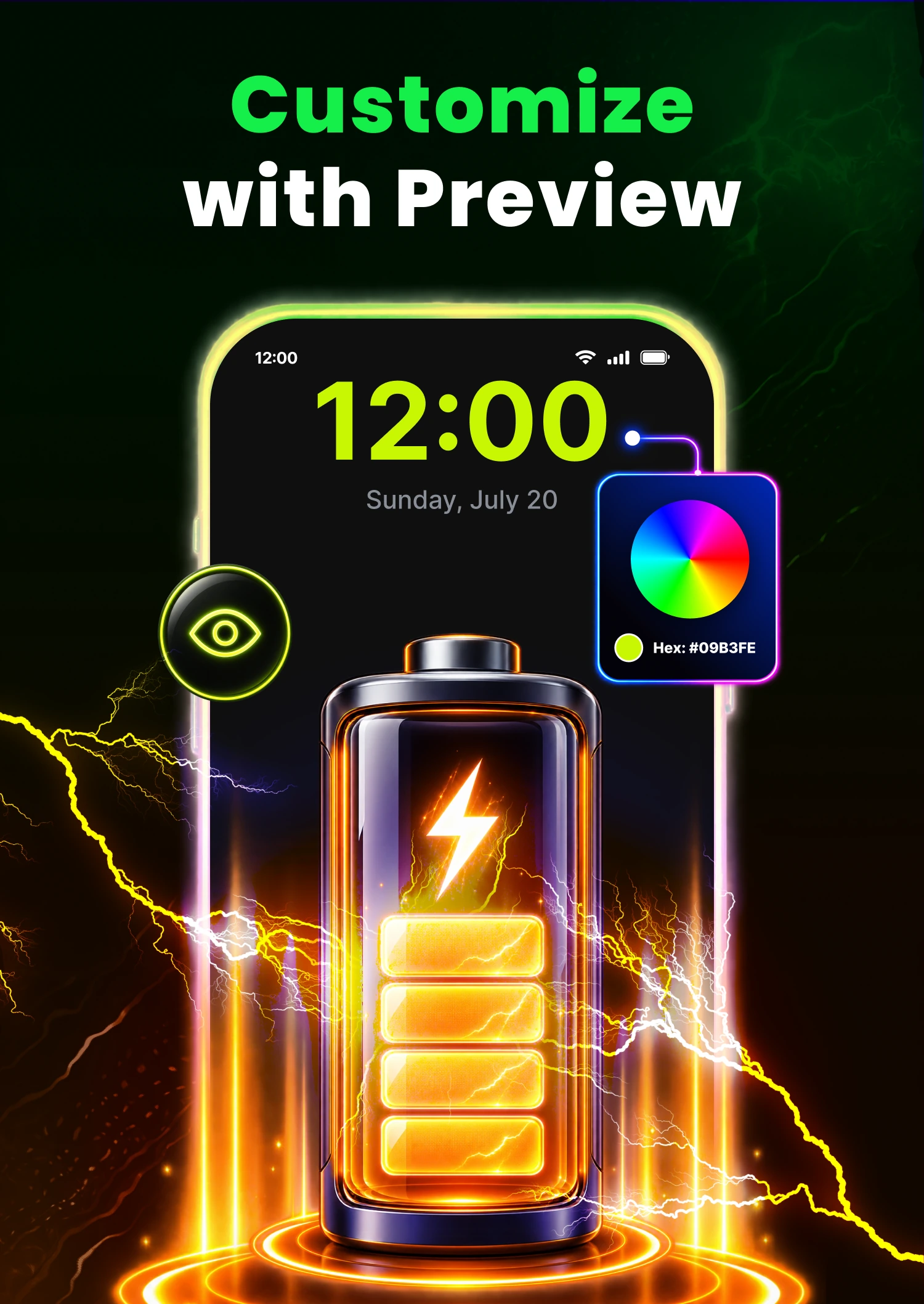
Preview animations before applying them so it’s easier to pick a look you actually like.

Full-charge alarm

Know exactly when the battery is full.

Receive an alert when the battery reaches 100% and choose a custom ringtone for a more personal reminder.

Close controls

Exit your way.

Choose available closing options such as tap to close or double tap to close.

Animated function preview
AnimationsBattery infoAlarm
Function preview screen
Animation collection

Explore different charging visuals and choose the one you want on screen when the cable connects.

Battery details at a glance

See useful details such as battery percentage, temperature, time, and date directly on the charging display.

Full-charge reminder

Set a personalized alert so you know when charging reaches 100%.

Motion graphics built into the website

Website motion that reflects the app’s functions.

This version adds stronger motion treatment so the website behaves more like the app itself: the battery meter animates, charging rings pulse, the feature preview cycles automatically, and the hero reacts like an active charging interface rather than a static landing page.

The effect is cinematic without becoming heavy, using lightweight CSS and JavaScript for battery progress, time display, glowing energy rings, cycling function previews, and a fullscreen screenshot gallery.

Read full description
Full app description

The complete product story, reworked into premium website content.

This section translates the full app description into a cleaner presentation while preserving the main feature set: charging animations, battery information, previews, full-charge alerts, close controls, and device compatibility notes.

Make charging feel more personal

3D Charging: Battery Animation is presented as a customization-focused charging companion. It turns the act of plugging in your phone into a more visual experience by displaying selected charging animations whenever the device is connected to power.

Animated charging screens with flexible display options

The app description highlights multiple display behaviors, including charging animations while the device is charging, overlay-style animations while the phone is unlocked, and a lock-screen-style charging activity on supported devices. It also notes that the screen can be turned on when the charging activity is shown.

Useful battery information at a glance

While the animation is displayed, users can keep essential battery information visible, including battery percentage, temperature, current time, and current date. This makes the charging screen feel decorative while still staying useful.

Preview and choose your preferred animation

The app is built around browsing available charging animations, previewing them before applying, and selecting a style that fits personal preference. The website reflects that by turning the animation collection into a key part of the visual storytelling.

Full-charge alarm and custom ringtone support

Another central feature is the full-charge reminder. The app can notify users when the battery reaches 100%, and it supports choosing a custom ringtone so the alert feels more personal.

Simple controls and compatibility notes

The app also includes simple closing options such as tap to close or double tap to close, plus multilingual support. As noted in the app description, some features may depend on Android version, device compatibility, and enabled permissions or settings.
App screenshots

Real screens from the app, embedded directly into the website.

The screenshot section uses the supplied visuals as images instead of external links, keeping the experience self-contained and ready for Firebase deployment.

App information

Clear details for visitors and installers.

Important website information is available here in a simple format, including the app name, package, support email, Google Play listing, and privacy-policy route.

App name3D Charging: Battery Animation
Packagecom.charging.battery.animation.livethemes
Short descriptionCharging animations with battery details, previews, and a full-charge alarm.
Privacy policyLocal route ↗
Google PlayOpen listing ↗
Compatibility notes

Useful context for real-world use.

The website avoids absolute claims and keeps the app description grounded in the limitations you provided.

  • Charging-screen behavior can depend on Android version, device compatibility, enabled permissions, and system settings.
  • Lock-screen-style charging activity and screen-on behavior may vary across supported devices.
  • Caller-style or unrelated claims are not included; the website remains focused only on charging animations, battery information, and alarm functionality.
  • Multilingual support is mentioned as part of the app experience without listing unsupported languages.
Personalize your charging experience

Bring motion, battery details, and full-charge alerts together.

Explore a more expressive charging screen, preview new styles before applying them, and stay informed with visible battery details and full-charge reminders.

Get it on Google Play
3D ChargingAnimations • Battery info • Alarm
Download ↗